
This series will be my shader note of Unity 5.x Shaders and Effects Cookbook.
Diffuse shader is the simplest shader. The object will only have one uniform color.
First, you should define the shader to let it know it is a surf shader:
#pragma surface surf Standard fullforwardshadows
It follows the grammar of:
#pragma surface surfaceFunction lightModel [optionalparams]
In this case, surfaceFunction will be surf, which is the name we will use later.
Light Model is how Unity calculate the final looking based on your inputs such as albedo and normal.
The surf function is a simple in and out function. We define the input struct we need and then produce the output we want.
struct Input {
    float2 uv_MainTex;
};
This is the full list
In our surface function, we just need a base color for our model, so we just assign color to the Albedo parameter of the ouput:
void surf(Input IN, inout SurfaceOutputStandard o) {
o.Albedo = _Color.rgb;
}
The full shader will be like:
Shader "Unlit/diffuse_shader"
{
	Properties
	{
		_Color ("Color", Color) = (1,1,1,1)
	}

		SubShader
		{

		CGPROGRAM
		#pragma surface surf Standard fullforwardshadows
		#pragma target 3.0

		struct Input {
			float2 uv_MainTex;
		};

		fixed4 _Color;

		void surf(Input IN, inout SurfaceOutputStandard o) {
			o.Albedo = _Color.rgb;
		}
			ENDCG
		}
		FallBack "Diffuse"
}
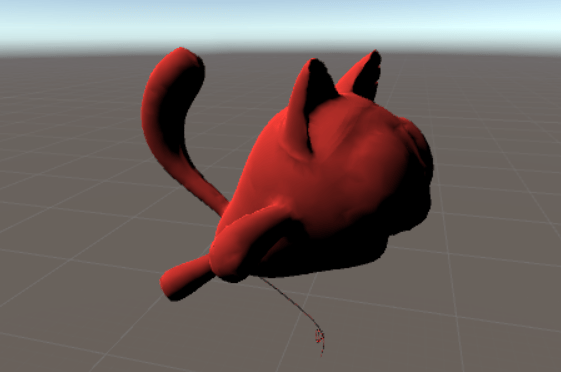
Final result:
 Weijia Yu